The Plaid Studio / What to create / Buffalo check
Buffalo check pattern generator
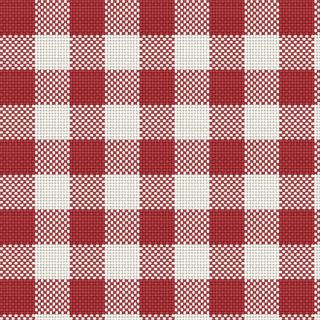
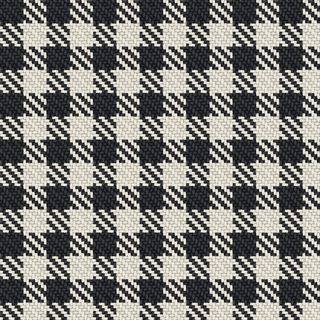
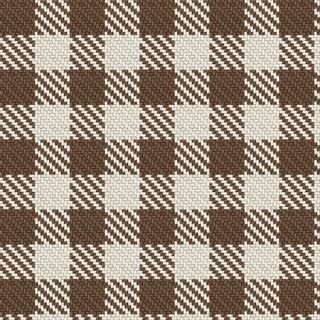
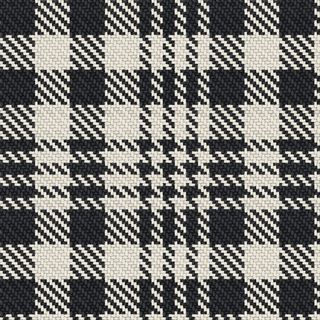
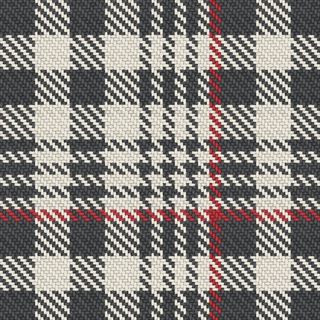
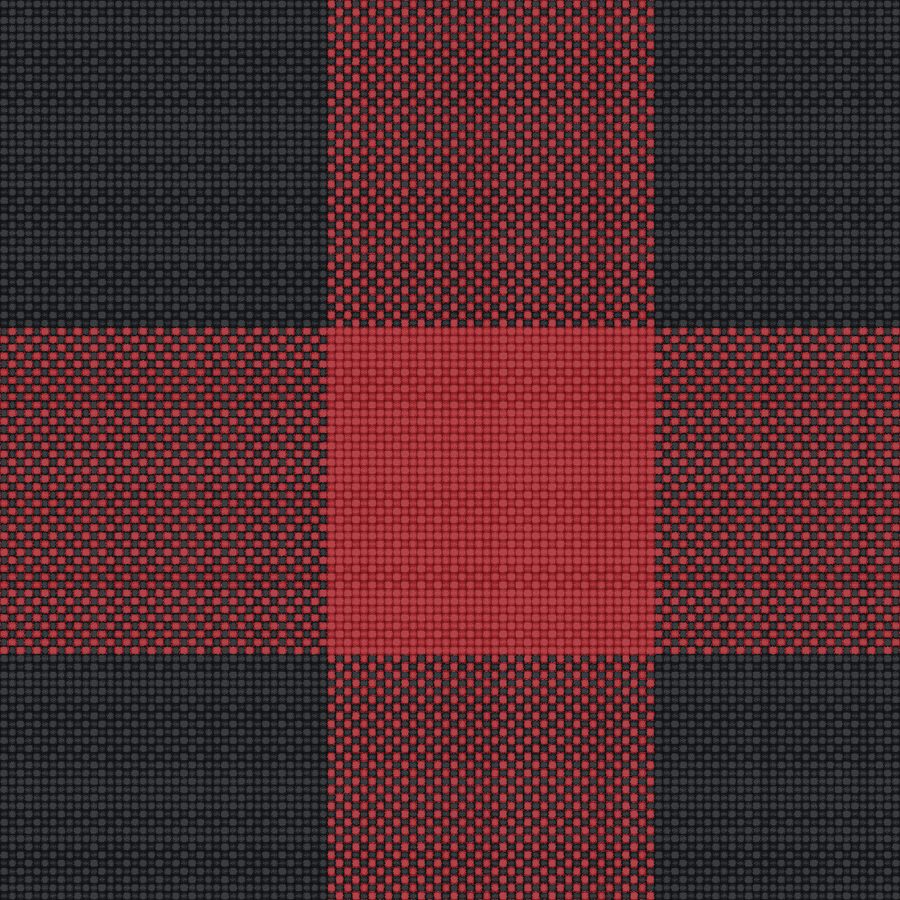
Buffalo check is gingham's big brother: the same even two-colour check, scaled up until each square is a hand's width. Red and black is the lumberjack cloth everyone knows, but the structure is colour-blind — navy and cream, olive and black, anything with enough contrast to hold at that size.
- Thread count
G40 F40 - WeavePlain weave
- SymmetryRepeating straight round
- SeamlessYes — the tile repeats by construction, in every engine
- ExportPNG and SVG, A4 spec sheet with a centimetre ruler, WIF weaving draft
What makes it buffalo check
Forty threads of each colour, plain weave. The size is what makes it: at this scale the crossing square is large enough to read as its own colour, which is why a buffalo check looks like three colours and is woven from two.
Shirting, blankets, throws, outerwear linings, and any print that wants to read from across a room.
How to make one
- Open the Sett engine and pick buffalo check from the ready-made checks in the panel. The studio writes its thread count into the cloth for you.
- Put your colours on it. Choose a palette or paste your own hex codes; the ground, the field and the lines take their colours in that order.
- Set the scale in threads. The bands are threads, not pixels, so the check keeps its proportions when you change the yarn count or the repeat width.
- Export what the job needs. A seamless PNG for print-on-demand, an SVG for vector work, an A4 sheet with a ruler for a mill, or a WIF draft for a loom.
Questions
What is the difference between buffalo check and gingham?
Only the scale. Both are an even two-colour check in plain weave; buffalo is the same cloth with bands several times wider.
Is buffalo plaid a tartan?
No. A tartan mirrors about its pivots and usually carries more than two colours; a buffalo check simply repeats two.