
The Plaid Studio / What to create / Circles
Polka dot and circle pattern generator
Dots and everything they become: beads, concentric rings, fish scales, quatrefoils, domes and crescents. The simplest family to get wrong — a dot grid gives its repeat away instantly — so the layout and the half-drop are settings here rather than accidents.
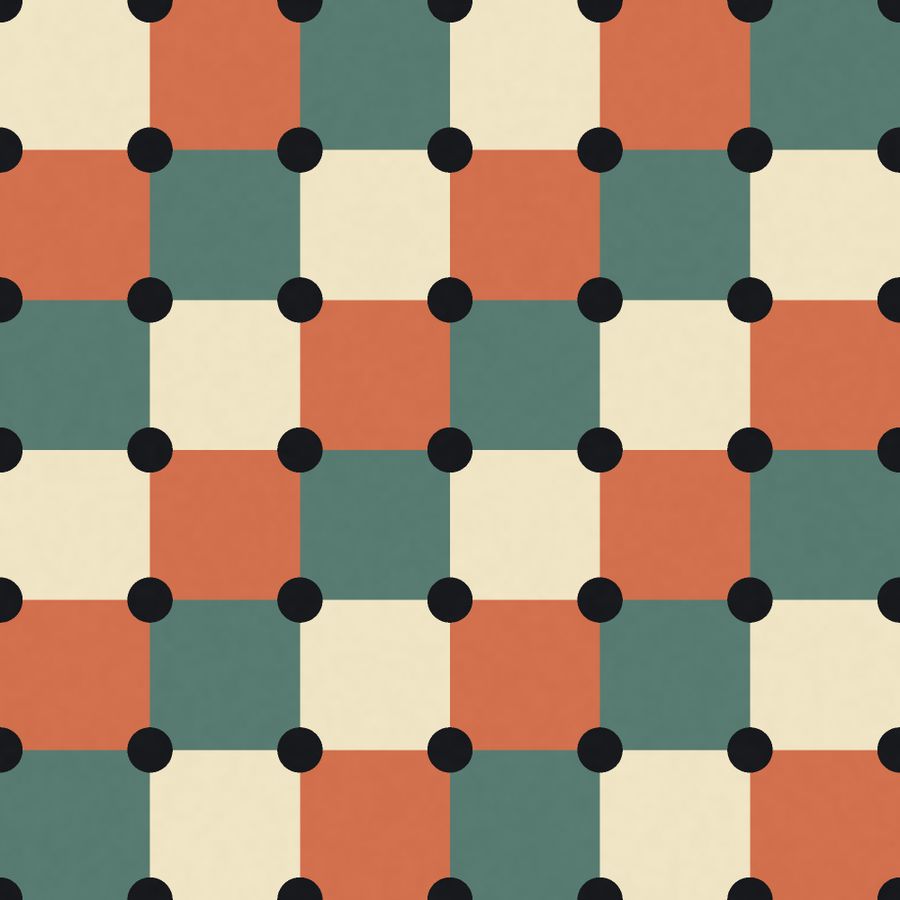
Quatrefoil Circles — a quatrefoil motif, drawn by the GeoPrint engine 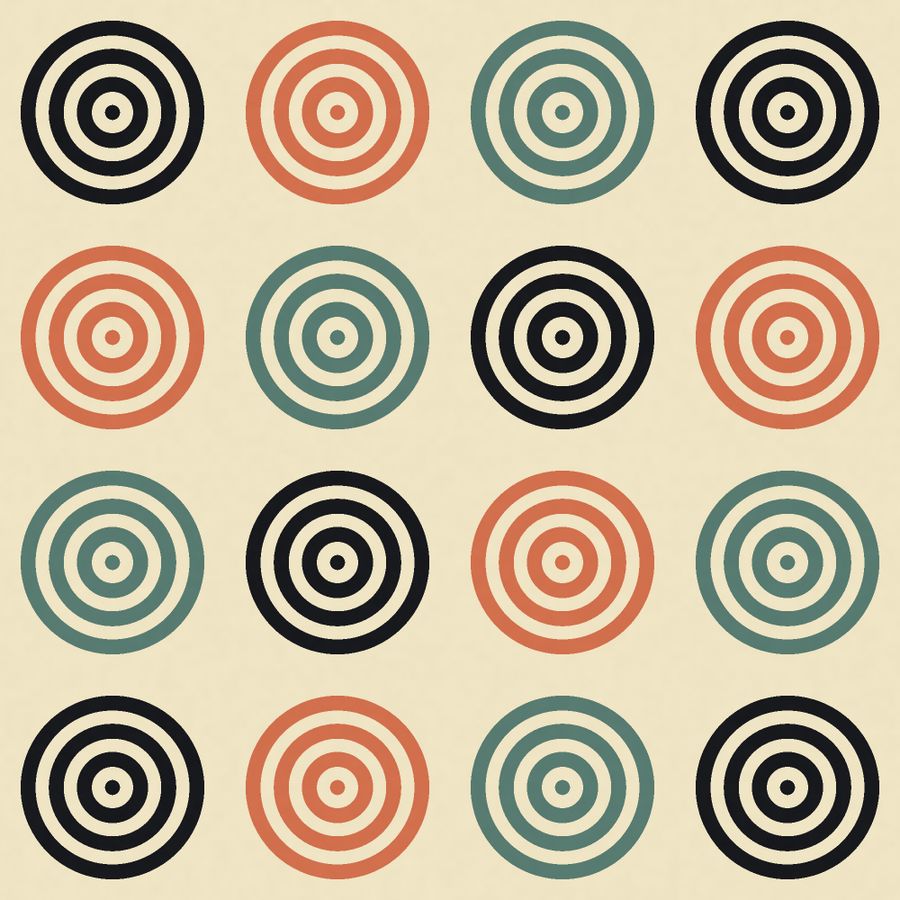
Concentric Rings — a ring motif, drawn by the GeoPrint engine 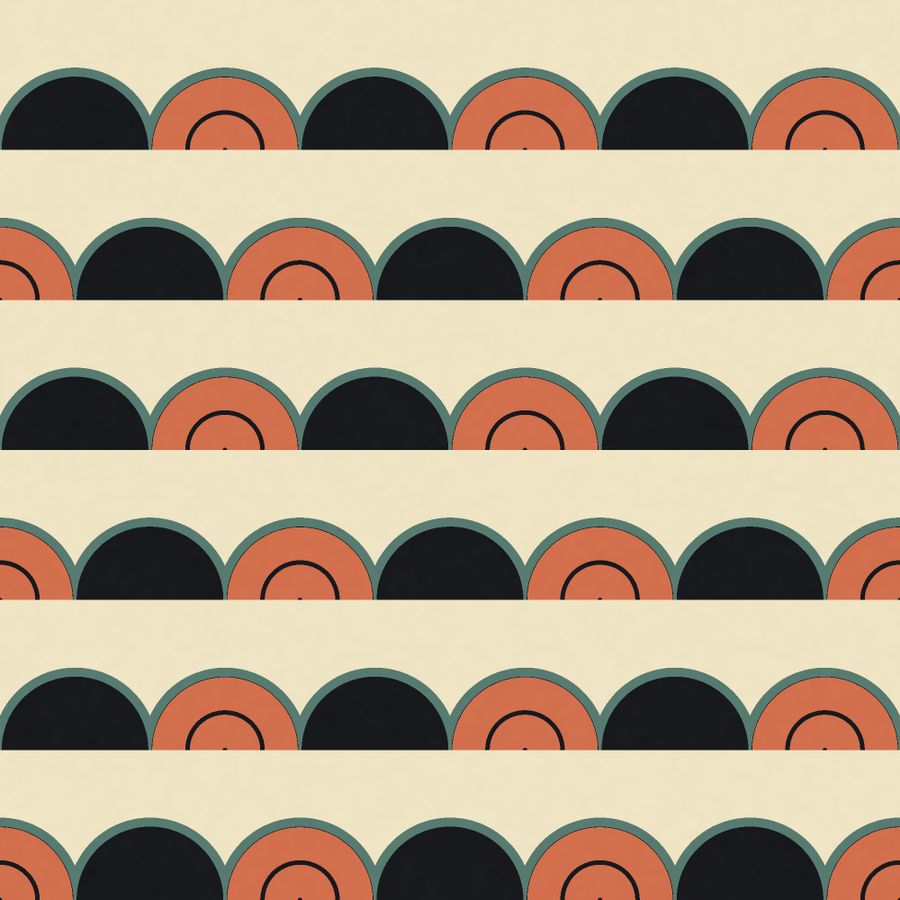
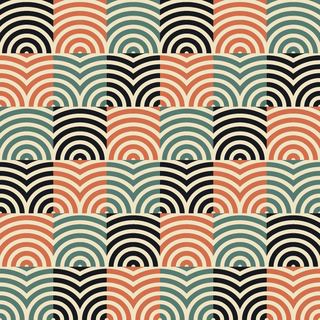
Fish Scales — a scale motif, drawn by the GeoPrint engine
Every pattern in the family
Read out of the engine itself — 11 patterns, each with the motif it is built from:
- Quatrefoil Circles Quatrefoil
- Concentric Rings Ring
- Fish Scales Scale
- Polka Dot Dot
- Seven Treasures Interlock
- Pin Dot Dot
- Coin Dot Dot
- Crescent Moons Crescent
- Split Disc Disc
- Bead Strands Bead
- Half Moon Rows Dome
What it is for
Children's wear, shirting, gift wrap, ceramics and any print that wants to be cheerful without being loud.
How to use it
- Open GeoPrint and pick the family, then the pattern — or describe what you want in a few words and let the engine choose.
- Put your palette on it. The inks come from the palette, so one pattern gives a whole range without redrawing anything.
- Set the repeat width in centimetres and check it against the ruler on the stage: what you see is the size it prints.
- Export a seamless tile as PNG or SVG, or an A4 sheet with a centimetre ruler for a printer.
Questions
How many circles patterns are there?
11 in this family, listed above, out of 168 in the GeoPrint engine. Each one takes your palette, your scale and your repeat size, so the count is the starting point rather than the limit.
Are the patterns really seamless?
Yes, by construction: the pattern is sampled on a torus, so the tile meets itself exactly at every edge. Nothing is cropped or mirrored to fake a join.
Can I set the repeat size in centimetres?
Yes. The repeat width is a setting, the ruler along the stage measures it, and the export carries it — which is what a printer asks for.
What does it cost?
Looking is free on every plan. Exporting a GeoPrint tile is part of Pro and Studio; the free tier exports from the Sett engine, and no plan puts a watermark on a file.
 Textile
 Geometric
 Deco
Deco Modern
 Abstract
 Wallpaper
 Organic
 Stripe
 Nature