
The Plaid Studio / What to create / Floral
Floral pattern generator
Scenes of drawn flowers, branches and leaves laid over a seamless tile — tossed, ditsy or in bouquets. The colour comes from your palette at render time, so one layout gives a whole range instead of one picture.
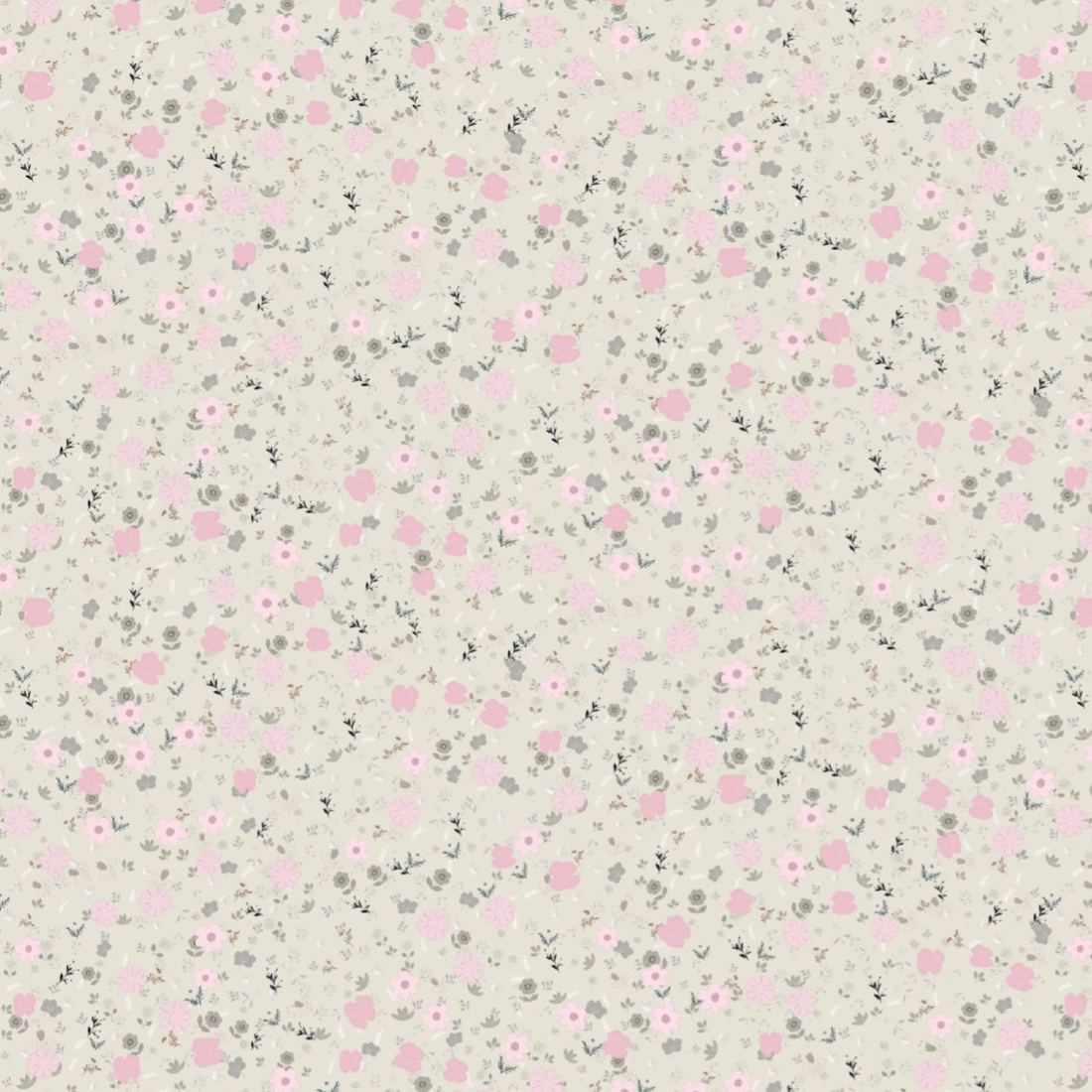
- Motif library592 drawn motifs — 269 hero, 174 support, 149 filler
- LayoutsTossed, ditsy and bouquet, at ditsy, medium or large scale
- LayersHero first with the run of the tile, support around it, filler into what is left
- ColourFrom your palette at render time, keyed per drawing — auto or by hand
- SeamlessYes, by construction: the scene wraps at every edge
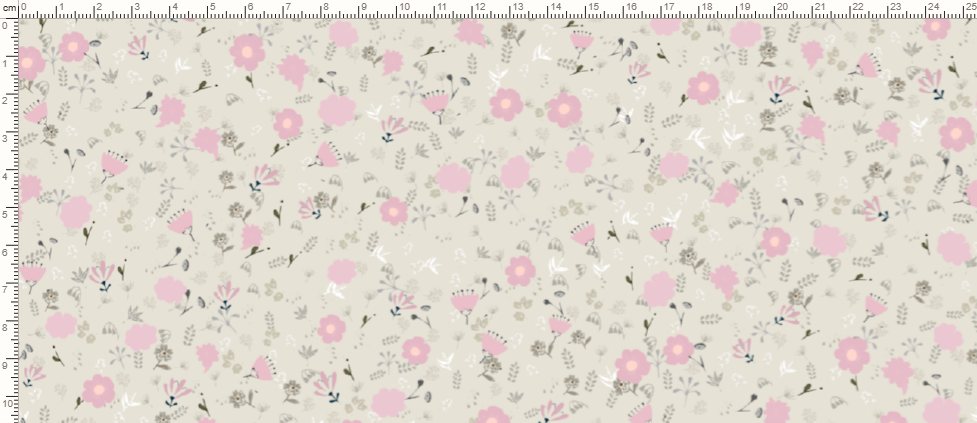
- ExportPNG and SVG built from the drawings, an A4 sheet with a centimetre ruler, and a spec sheet
The themes in the library
The motifs are grouped by what they are, and a scene can draw from one group or from all of them:
- Botanical 24 drawings
- Foliage 35 drawings
- Paisley 35 drawings
- Sealife 38 drawings
- Celestial 24 drawings
- Animal 30 drawings
- Holiday 31 drawings
- Forest 17 drawings
- Spring flowers 155 drawings across the spring and branch sets
How a floral repeat is built here
- Pick a layout and a scale. Ditsy is small and dense, tossed is open and angled, bouquet gathers the flowers into clusters with bare cloth between them.
- Let the layers do the placing. Heroes go down first and get the run of the tile; support keeps clear of them; filler goes into what is left. That order is what stops a floral reading as a grid.
- Put your palette on it. Each drawing is keyed on one of its own colours, and the rest of that drawing follows at the distance it had — so a recolour stays a drawing rather than a tint.
- Set the repeat in centimetres and export a seamless tile, or an A4 sheet with a ruler if a printer has asked for one.
Questions
How many motifs are there?
592 drawings in the library as this page was built: 269 hero, 174 support and 149 filler. A scene draws from all three, so the count is the vocabulary rather than the number of patterns you can make.
What is a ditsy floral?
A small-scale, densely scattered floral — the flowers about a centimetre across, close together, with no obvious grid. It is the layout that hides its own repeat best, which is why it is the one most shirting and children's wear uses.
Is the repeat really seamless?
Yes. The scene is laid over a tile and anything crossing an edge comes back on the opposite one, so the export meets itself exactly. The motifs are drawn vectors, so the tile is built from the drawings rather than from a screen grab.
Can I keep one layout in several colourways?
That is what the layers are for: the colour comes from your palette at render time, so one scene gives a whole range. Save each colourway against the design and export the set as one zip.
What does it cost?
Looking is free. Exporting a floral tile is part of Pro and Studio; the free tier exports from the Sett engine, and no plan puts a watermark on a file.